
From a floor plan to a working site.
A site is set up once, by you or by your installer, and then belongs to your client. Nothing here asks for a drawing office: a picture of the floor is enough to start.
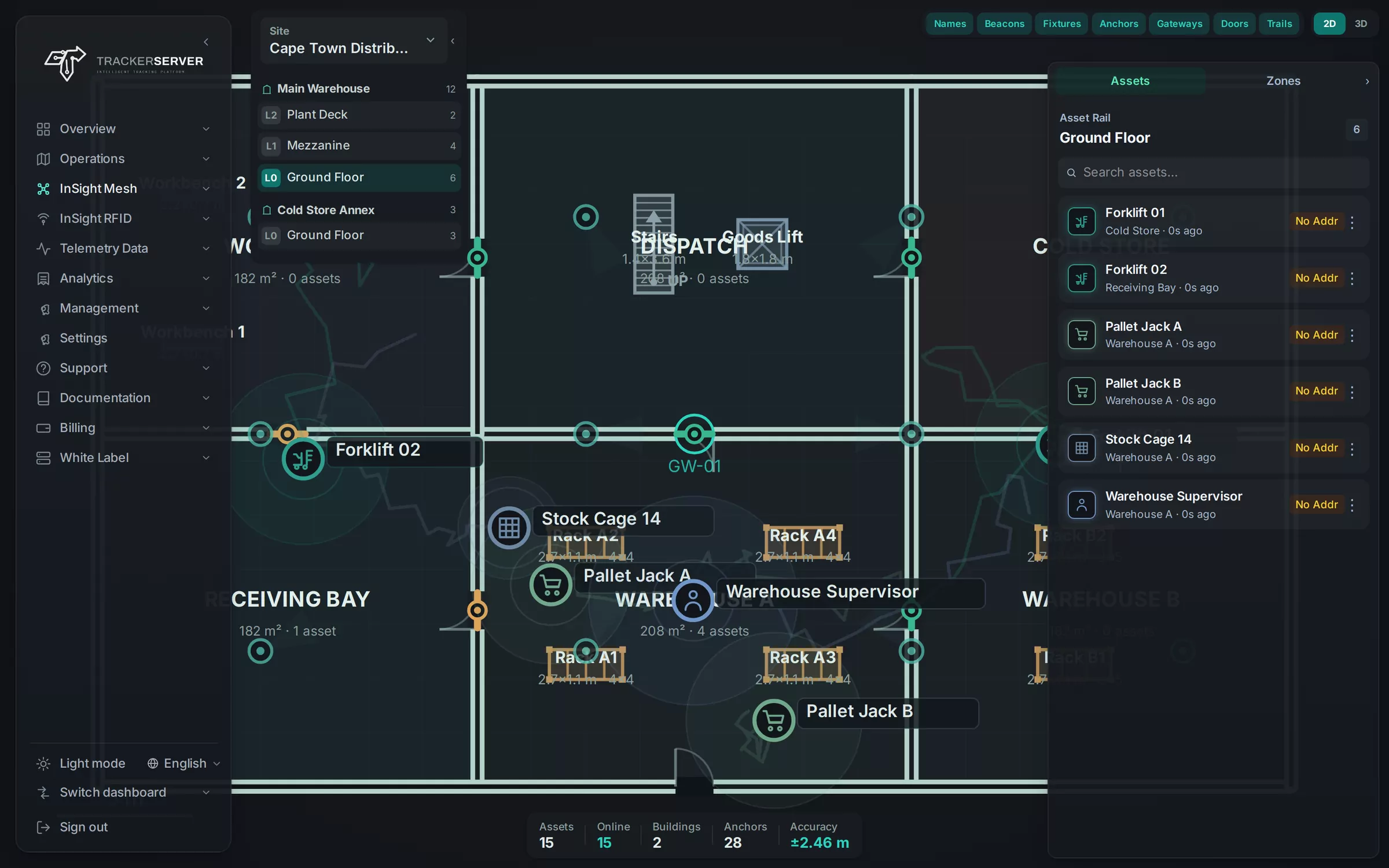
- Upload a plan, then trace over it
- Register gateways, anchors and tags
- Draw zones and doors
- Survey with a phone
The order of work.
- Step 1
Describe the site
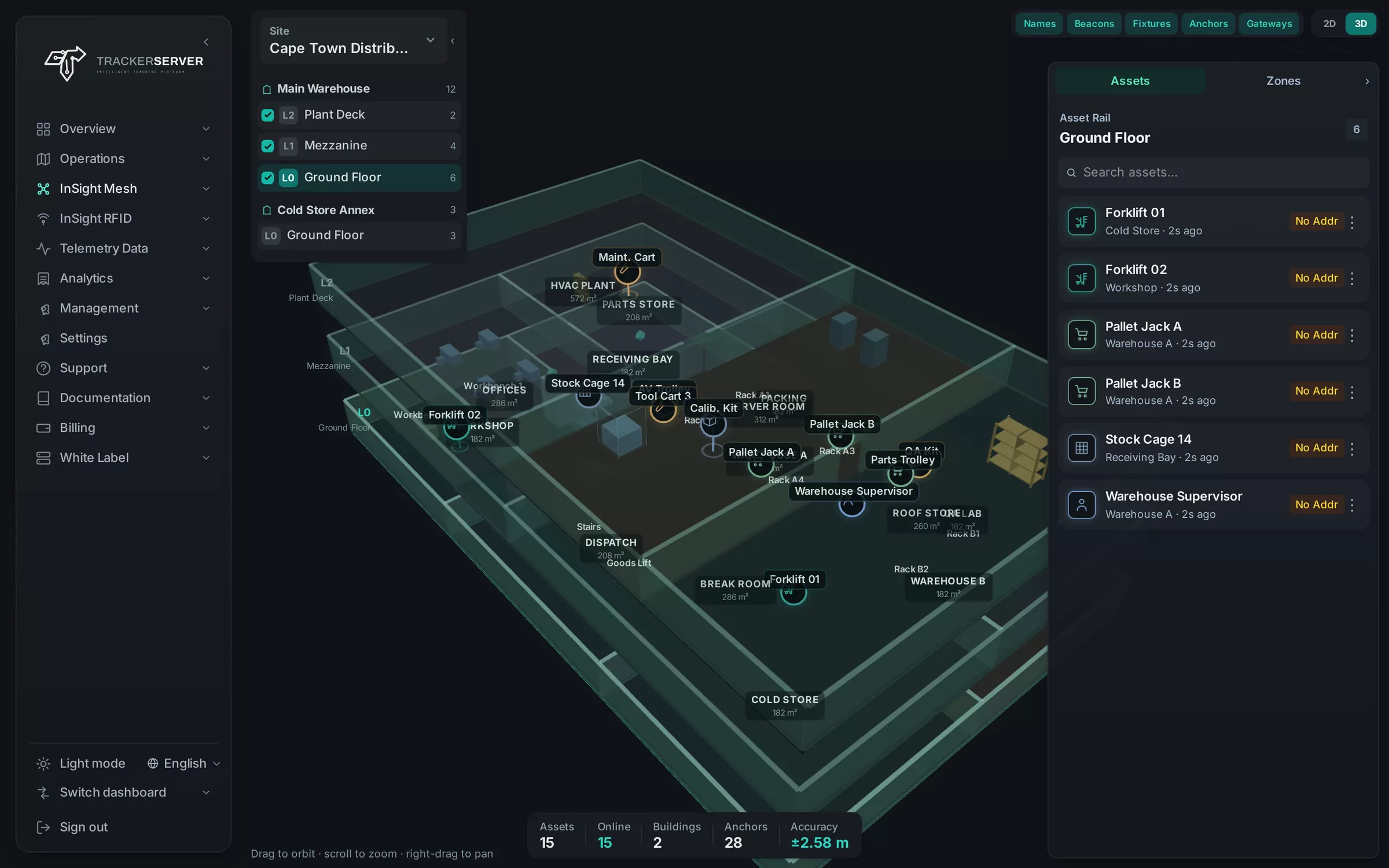
Add the site, its buildings and their floors, and give each floor its plan: upload the drawing and trace the walls over it in the editor.
- Step 2
Place the hardware
Register the gateway and each anchor, and mark on the plan where every anchor is mounted.
- Step 3
Name the places
Draw the zones and mark the doors, so a position reads as a room, a bay or an aisle.
- Step 4
Add the tags
Register each tag and say what it is on: a person, a pallet, a piece of equipment.
Mesh Calibration app
Survey a floor once, with one phone.
Radio does not travel through a racked warehouse the way it does through an open hall. The Mesh Calibration app lets an installer walk each floor with a single beacon and record what the anchors hear at points along the way.
Those points become a radio map of that floor, and positions are then worked out against the map instead of from signal strength alone. The survey is optional: a site works without it, and works better with it.
- One person, one beacon
- A radio map per floor
- The app carries your brand
Setup questions.
Do I need CAD drawings of the building?
No. An image of each floor is enough. You upload it and trace the walls over it in the floor editor.
Who does the setup?
Whoever runs the platform for the client: your own staff or your installer. The site then appears in the client's account.
Is the survey compulsory?
No. It is the step that improves positions most, so it is worth doing on any floor with racking, machinery or thick walls.
Next
Put indoor positioning on your platform.
Tell us about the first building and what your client wants to follow in it. We answer with the hardware it needs and how InSight Mesh is switched on for your brand.